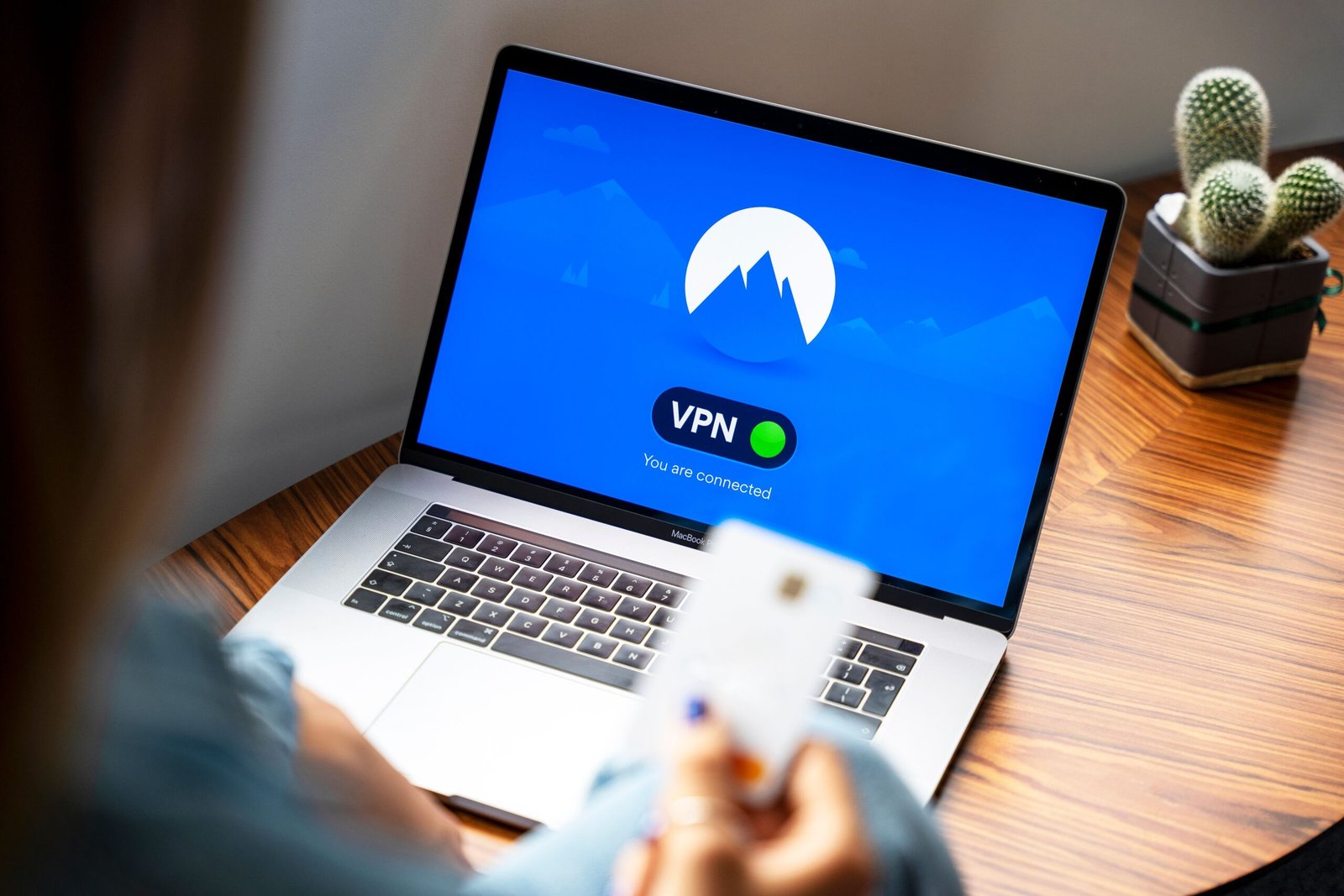
Secure your internet connection with professional VPN configuration for supported devices.

Protect compatible devices and supported routers with a professionally configured VPN connection that keeps normal internet access practical.

Why This Service

We configure compatible VPN services on supported routers or devices, verify connectivity, and help you use privacy-focused settings without disrupting normal network access.

We configure supported VPN apps, profiles, or router settings, verify connectivity, and check that the setup works correctly with your network.

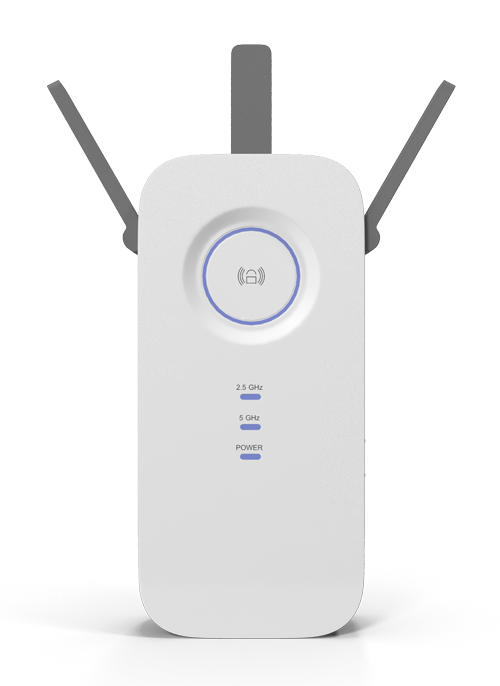
Router VPN Setup

Configure supported VPN connections at router level where compatible.

Device Configuration

Set up supported computers, phones, or tablets.

Connection Testing

Verify access, stability, and basic leak-prevention settings where supported.

Professional VPN Configuration for homes and businesses across Dubai.

A good VPN setup should improve privacy without creating unnecessary connection problems for everyday browsing, work, or supported services.

For Homes

Configure VPN access on supported laptops, phones, tablets, or compatible home routers and learn how to connect, disconnect, and verify status.

Private Browsing Setup

Configure supported VPN apps and profiles.

Streaming Compatibility

Review connection routing for authorized services.

Wi-Fi Integration

Keep VPN configuration aligned with your home network.

Simple Handover

Explain how to connect, disconnect, and verify status.

For Offices & Businesses

Set up supported VPN connections for business devices or compatible network equipment, with practical testing for access and stability.

Business Devices

Configure supported workstations and mobile devices.

Router-Level Options

Use central VPN routing where equipment supports it.

Access Testing

Check normal web and business-service connectivity.

Documentation

Record key configuration details for future support.

Need This Service?
Book DXBIT Solutions for VPN configuration in Dubai.

Tell us the location and what you need. We will review the requirement and recommend a practical next step.

How It Works

A simple process from problem to tested solution.

We confirm compatibility, apply the VPN settings, test internet access and status, then explain how to manage the connection.

Step
1

Share Your Requirement

Tell us the issue, location, and devices or areas involved.
Step
2

Site Check

We review the network, cable route, equipment, or installation area.
Step
3

Solution & Scope

We explain the recommended approach and work required.
Step
4

Installation & Testing

Complete the setup and test the important connections before handover.
Book Now

Request a Free Quote

Share the VPN provider, device or router model, and what you want to protect. We will confirm compatibility before configuration.

Our Service Promise

Professional standards from assessment to handover

DXBIT Solutions focuses on clear communication, clean work, and a setup that is tested before completion.